The method you ran on Sean's paintings, written so another painter can follow it.
This is the page as my challenge hub drew it for me, so "you" means me, Molly. I made The Forever Canvas System inside my own Ready to Sell Challenge, and this is one day of it.
Gather and inventory the photosKeep originals; tell alternate photos apart from different paintings.
Inspect each photoComposition, colors, lettering, defects, cropped areas. Record real pixel size.
Choose a routeFaithful cleanup, or AI-assisted repaint with the artist's review.
Edit one painting at a timeKeep every result separately.
Compare and correctPass, fail or unsure. Three tries, then it goes back to the artist 2.
Finish for printCommon sizes; painted edge or white border for odd shapes.
Find the honest sizesPrint inches = pixels ÷ target DPI, both sides. Printful accepts a minimum of 75 DPI on paper products and strongly recommends 300 1.
Upscale carefullyThen check for artifacts before suggesting larger sizes.
Review pageOriginal, attempts, checks and the candidate. The artist decides.
Prepare the filesDownloadable prints and one print-on-demand product.
What was saved that day, as it was written. Early days still use the first name for the kit, Art Photo Rescue.
Saved Oct 22, 2026, 8:23 a.m. ET. Method used: conversation_continuation:art_photo_rescue:2026-10-22.
ART PHOTO RESCUE — Your steps, October 22, 2026
Status: Day 5 process complete, based on the existing guide and Molly's confirmed scope additions. Product implementation and verification remain for Days 7–8; completion here does not certify a finished product.
Gather and inventory artwork photos. Preserve originals; distinguish alternate photos of one painting from different painted versions.
Inspect composition, colors, lettering, symbols, photo defects, cropped areas and unclear details. Record actual pixel dimensions and aspect ratio.
Choose one of TWO included routes: faithful photo cleanup or AI-assisted repainting. Cleanup preserves artwork while addressing photographic defects. Repainting may reconstruct/change details and requires explicit artist review. Missing-detail invention is never silently treated as cleanup.
Edit one artwork at a time. Use the appropriate prompt and retain each result separately.
Compare with the source, record pass/fail/uncertain findings, and make focused corrections. The existing portable prompts allow three attempts before unresolved problems return to the artist. Preserve failed attempts.
Finish for print. Recommend common sizes suited to the artwork and chosen provider. For unusual proportions, offer painted-background extension or a visible white border to reach a common ratio, with artist review. Do not stretch the art or crop important elements.
Recommend a smallest useful size, preferred sizes, and a maximum supported size. Calculate effective resolution from actual pixel dimensions; print inches = pixels / target pixels per inch, for both axes. Minimum useful size also depends on detail legibility and product availability. Changing DPI metadata does not create detail.
Offer upscaling where possible, then inspect artifacts and fidelity before recommending larger sizes. Record actual output dimensions and any remaining uncertainty.
Present original, all attempts, QA and current candidate in a review page. Obtain the artist's decision for the chosen version.
Prepare downloadable-print files and files matched to a selected print-on-demand product. Distinguish visual borders from trim, bleed and canvas wrap. Keep file checks and physical proof approval separate.
Judgment rule: a prettier image can still be wrong. Changed lettering, invented details and accidental crops require attention.
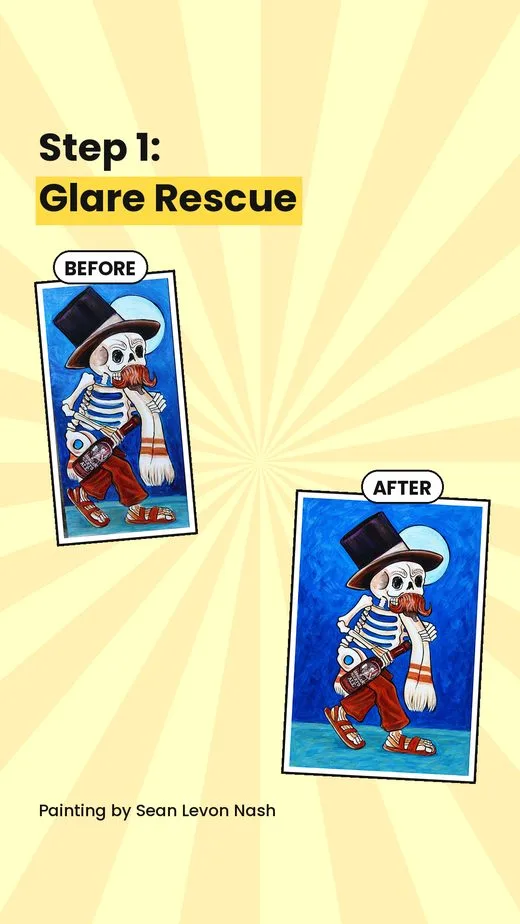
Existing example: the guide describes a wrong bottle label, tight space above a hat, and subsequent correction. Its example review is static reconstructed evidence, not a newly executed pipeline.
Inputs/tools: the artist's photos, preserved original master prompt, six portable stage prompts, inventory/QA/review templates, image-capable assistant and appropriate export/upscale tooling. Exact supported setup remains unresolved: original project commands require a separate runner not included in the kit.
Sources: art-photo-rescue-kit.zip; painting-pipeline-guide-and-original-prompts.zip. Added size, border and cleanup requirements are product requirements pending implementation and verification, not completed tests.
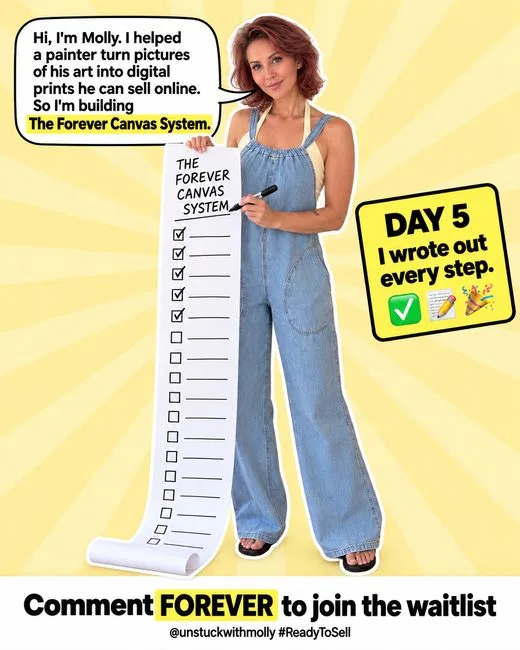
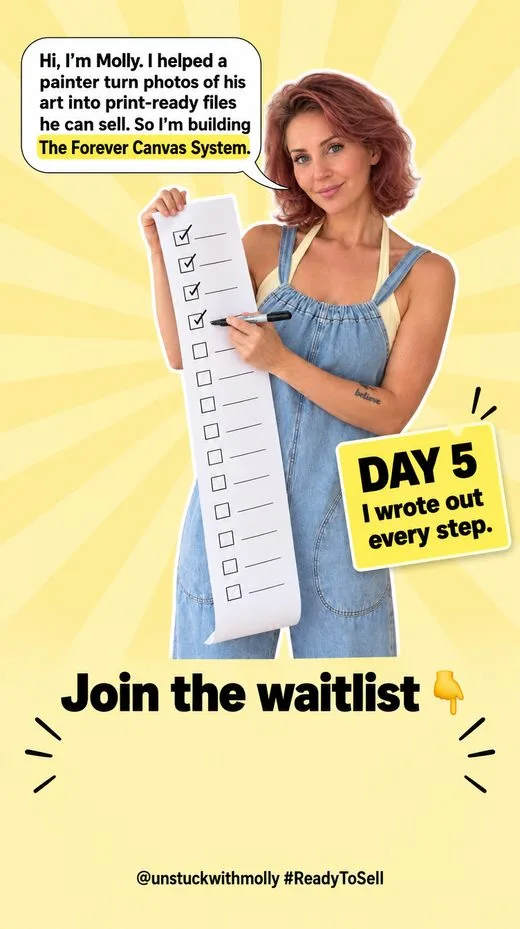
The post for this day
Every day ended with something ready to share: one picture for the feed, Story slides, and the words to go with them.