The Forever Canvas System, and the seven parts a buyer moves through.
This is the page as my challenge hub drew it for me, so "you" means me, Molly. I made The Forever Canvas System inside my own Ready to Sell Challenge, and this is one day of it.
The Forever Canvas System
Turn every painting you've made, sold ones included, into a digital master you can put on anything, anytime.
The outline
Start hereAbout 15 minutes. What you need, and your first painting.
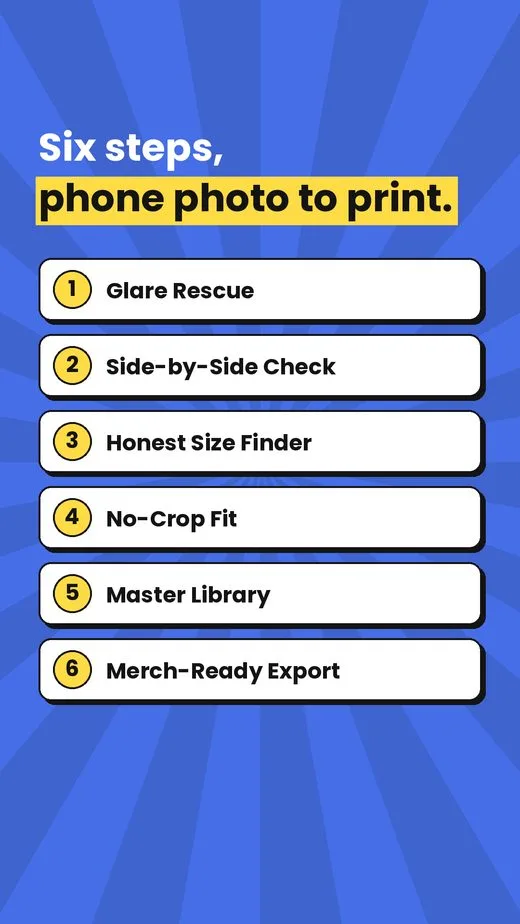
Glare RescueYou get a clean first draft of your master.
Side-by-Side CheckYou get an approved master you trust.
Honest Size FinderYou get your size list, no blurry surprises.
No-Crop FitYou get versions that fit without cutting your art.
Merch-Ready ExportYou get files ready to upload.
Master LibraryYou get painting #1 filed, and a routine for the rest.
Sources (2)
Trademark searchUSPTO · read 2026-11-08Not yet run. A web search on Nov 8 found registered FOREVER and CANVAS marks in other uses, but no exact 'Forever Canvas' mark; a USPTO search settles it.
Your name and outline your Day 6
My working notes, word for word
What was saved that day, as it was written. Early days still use the first name for the kit, Art Photo Rescue.
THE FOREVER CANVAS SYSTEM — name and outline (approved by Molly, October 22, 2026)
Name: The Forever Canvas System (chosen on Day 4).
Promise: Turn every painting you've made, sold ones included, into a digital master you can put on anything, anytime.
MUST HAVE (confirmed by Molly): a photo of each painting. Nearly any quality works (old phone photos with glare, angles or blur are fine), but the painting must have been photographed. No photo, no master. Sales copy should say this plainly.
OUTLINE
Start here (about 15 minutes). What you need: a photo of each painting (any quality), a paid AI app (Claude Pro or ChatGPT Plus), a free Google Drive or Dropbox folder, and a print-on-demand account if you want merch. Pick your first painting.
Glare Rescue — clean up one photo so it looks like the painting. You get: a clean first draft of your master.
Side-by-Side Check — compare with the original, fix what's off (up to 3 tries), approve it. You get: an approved master you trust.
Honest Size Finder — smallest, best and biggest print size for this painting. You get: your size list, no blurry surprises.
No-Crop Fit — make odd shapes fit standard sizes with a painted edge or white border. You get: versions that fit prints and products without cutting your art.
Merch-Ready Export — export for a downloadable print and one product. You get: files ready to upload.
Master Library — file it with a simple naming system, then repeat for the next painting. You get: painting #1 in your library and a routine for the rest.
Support: 30 days of email help.
QUICK WIN (first 20 minutes): one photo through Glare Rescue, shown next to the original, so you see your painting without the glare.
Finished output: an approved master per painting, a size list, print and product files, and a growing named library.
FOR LATER
Day 7 — write each section in full; build the Master Library template and a runnable setup (original runner not included); record Sean's permission in writing. Day 7/8 — check "Forever Canvas" for existing brands before the cover. Day 9 — price. Day 10 — sales page states the photo requirement.
The post for this day
Every day ended with something ready to share: one picture for the feed, Story slides, and the words to go with them.
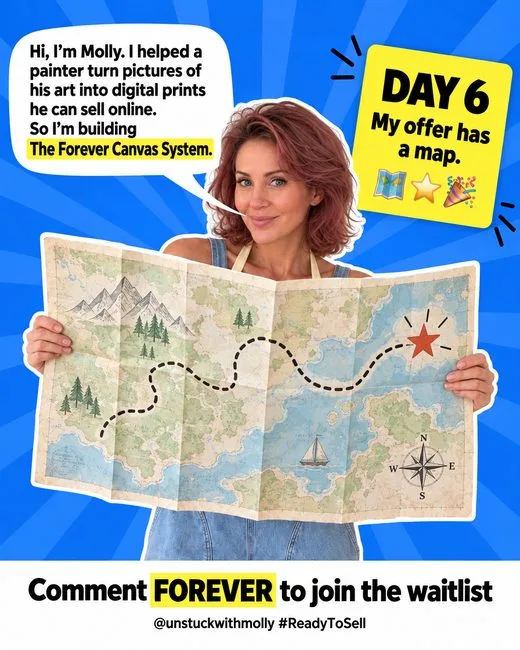
Feed postDay 6: my offer has a map. The Forever Canvas System now has six clear steps, from a glare-y phone photo to a print-ready master in a library you can keep adding to. The first win takes about 20 minutes. @unstuckwithmolly #ReadyToSell #ReadyToSellDay6 #OutlineProgress
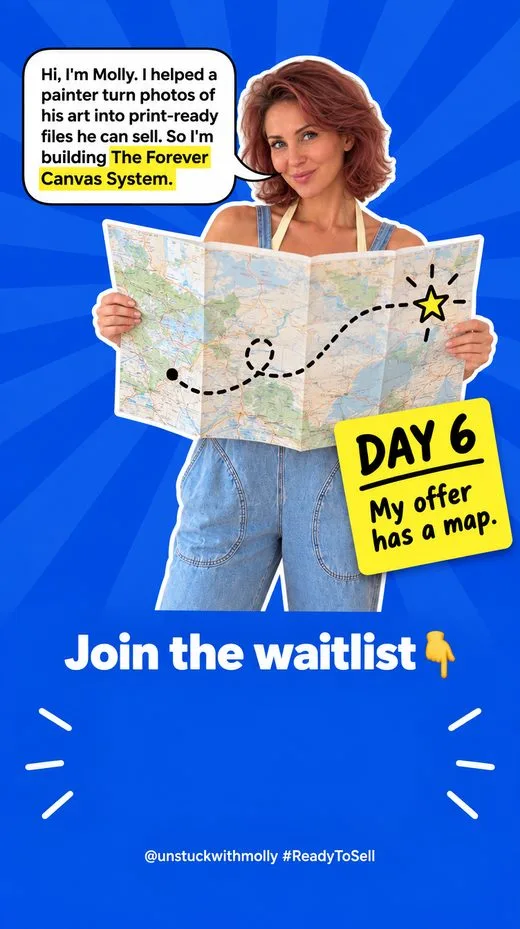
StoryDay 6: outline done. Six steps from phone photo to print-ready master, with a 20-minute first win. @unstuckwithmolly #ReadyToSell #ReadyToSellDay6 #OutlineProgress