Version 1 teaches exactly what you tested on Sean's paintings.
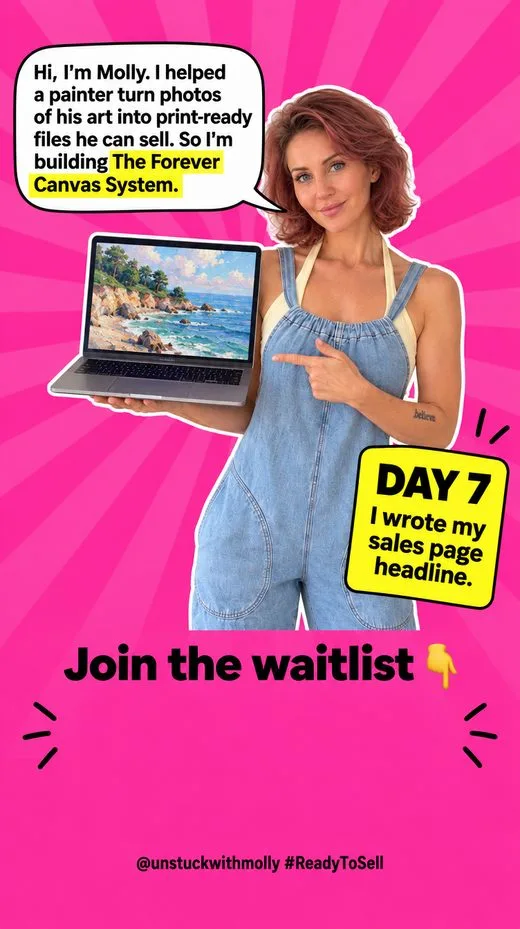
This is the page as my challenge hub drew it for me, so "you" means me, Molly. I made The Forever Canvas System inside my own Ready to Sell Challenge, and this is one day of it.
“Let's just go with what I already tested. We can do other use cases in later iteration.”
Molly, Oct 23
What's in version 1
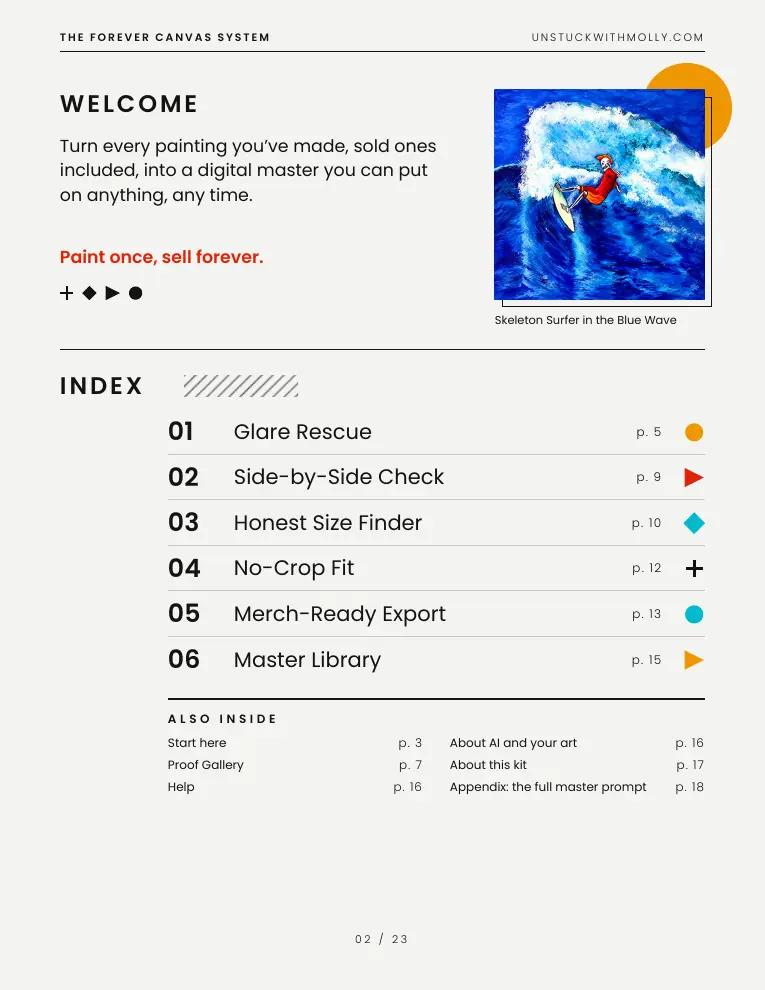
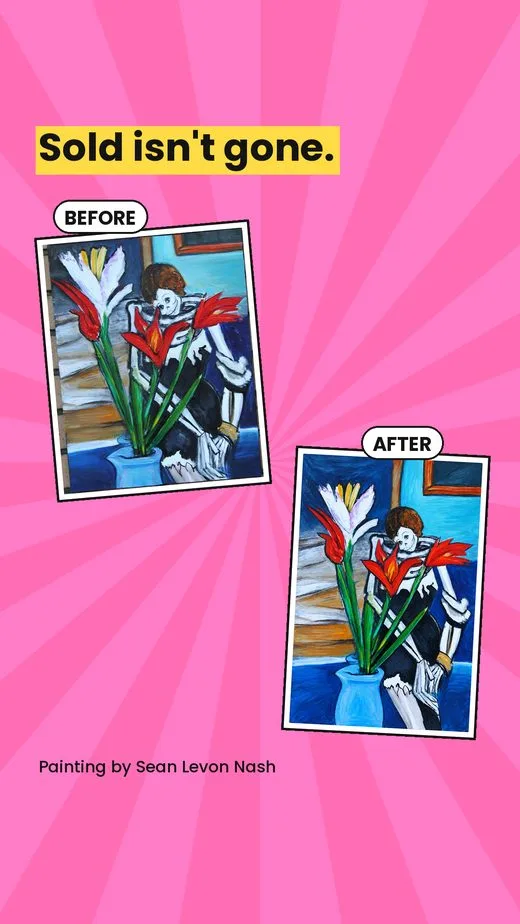
Your Glare Rescue Master Prompt, used on Sean's 400+ paintings
What was saved that day, as it was written. Early days still use the first name for the kit, Art Photo Rescue.
Saved Oct 26, 2026, 8:27 a.m. ET. Method used: 28-core-product-module.
THE FOREVER CANVAS SYSTEM — full draft (October 23, 2026; prompt wording corrected October 26). Status: v1 scope set by Molly.
Correction (Oct 26): an earlier version had dropped Molly's master prompt and brought back an invented "Prompt 1A/1B". This draft keeps her master prompt and includes the v1 scope changes.
SCOPE DECISION (Molly, Oct 23): "Let's just go with what I already tested. We can do other use cases in later iteration." Version 1 teaches the process Molly ran on Sean's paintings. Per Molly, she used it to make coloring books, merch, prints and canvas. Version 1 promises prints, canvas and merch. Coloring books and other use cases move to a later version.
STRUCTURE (all drafted)
Start here: what the kit does and doesn't do.
What you need: a photo of each painting, ChatGPT Plus ($20/mo), a free upscaler (Upscayl, Upscale.media or Pixelcut), a Drive or Dropbox folder, and a print-on-demand account.
2-minute photo tips, if the painting is still available.
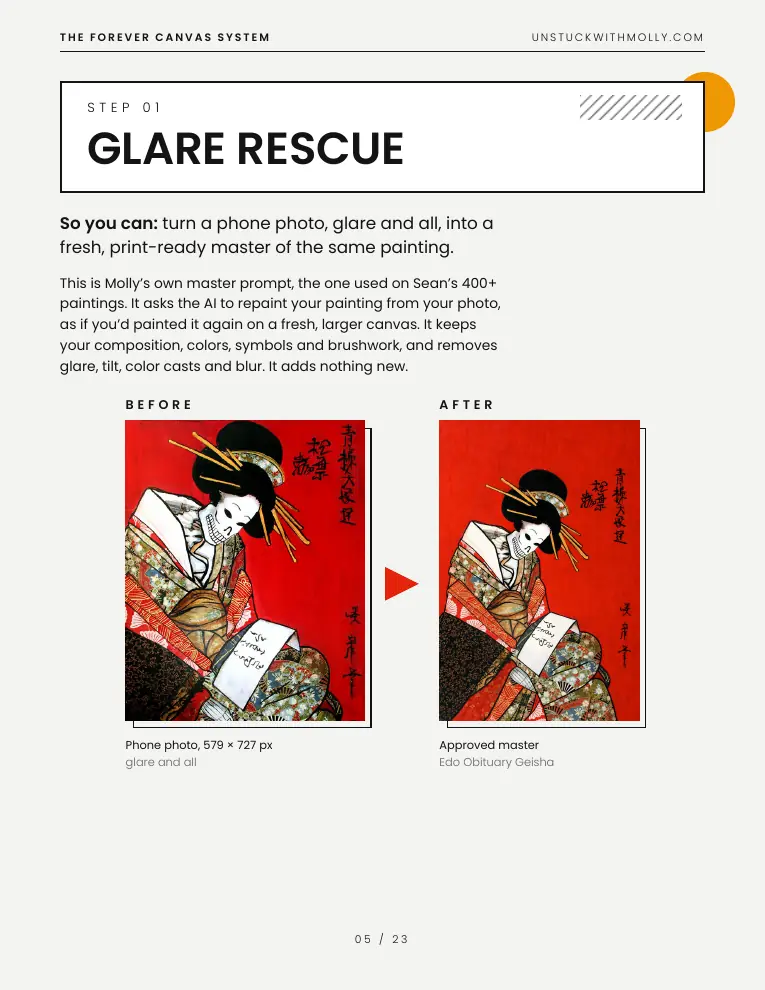
Glare Rescue
Molly's own Glare Rescue Master Prompt, the one used on Sean's 400+ paintings, included as glare-rescue-master-prompt.txt. It repaints the painting from the photo, keeping composition, colors, symbols and brushwork; removes glare, tilt, color casts and blur; adds nothing new.
Border choice at the top: painted to every edge (default) or white border added later in No-Crop Fit.
Tip: use the select tool to fix one spot.
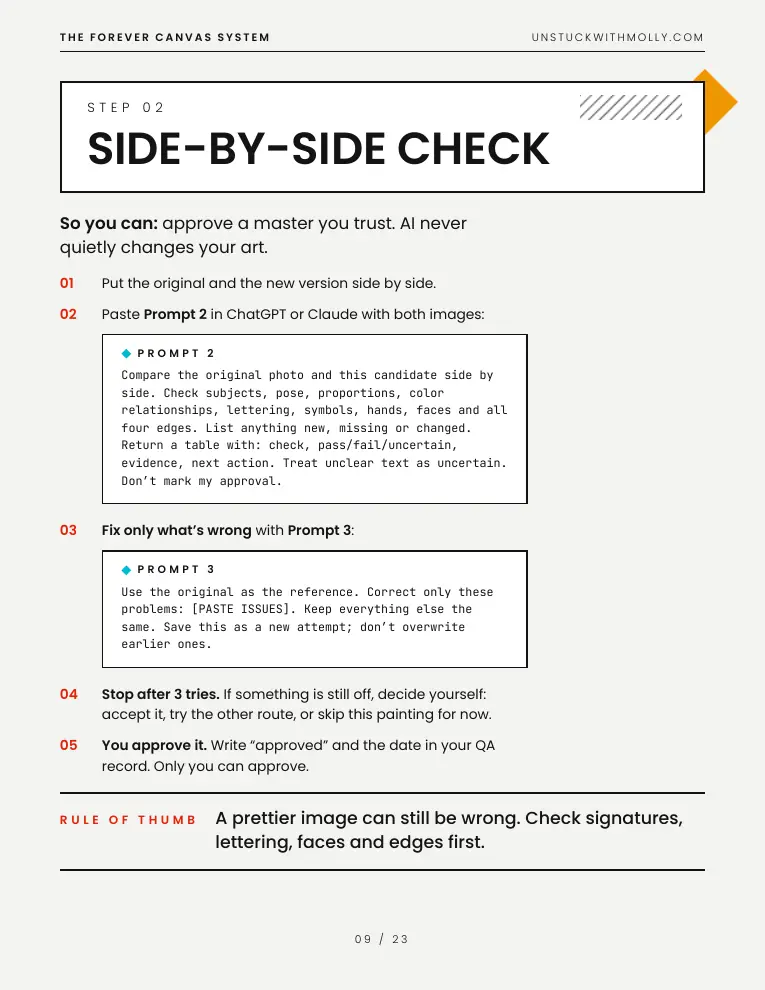
Side-by-Side Check
Prompt 2 builds a comparison table. Prompt 3 fixes only the named problems.
Stop after 3 tries. Only the artist records approval.
Honest Size Finder
inches = px / 300. Size rule: 300 PPI is best, 200–299 is OK for wall art, under 150 is a no.
Upscale carefully, then zoom to 100% on the face, the signature and a busy area.
Record the smallest, best and biggest size.
No-Crop Fit
Ratio table: 2:3, 3:4, 4:5, 11x14, A-sizes.
Painted-edge extension or a white border. Never stretch the art or crop the signature.
Merch-Ready Export
Downloadable prints: sRGB JPEG.
Print-on-demand table: art print/poster, canvas (keep important details out of the wrap edge), mug, tee and tote. Sourced specs only; otherwise "use the shop's product template".
Explains bleed vs border. Order one proof.
Master Library
One folder per painting: 00_original, 01_attempts, 02_master, 03_exports, qa-record.json.
inventory.csv, a monthly backup and the repeat routine. No timing claim.
Plus: "About AI and your art" (the AI repaints your painting from your photo and adds nothing new; you approve every change; use only your own or permitted art).
Support: hello@unstuckwithmolly.com, 30 days, replies within two business days.
REMOVED FROM v1 (untested, now "Coming in a later version")
Coloring books.
Exact mug, tote and tee pixel sizes per shop.
How long each painting takes.
More test runs of the master prompt on other painters' photos.
ACCURACY (Molly, Oct 23)
Molly chose to go with what she has already tested.
The master prompt was run on Sean's paintings.
Known limit: it hasn't been rerun in ChatGPT on other painters' photos. A rerun is listed for before launch / the later version.
RIGHTS
Workflow, guide and prompts are Molly's own.
Sean allowed his paintings to be used as examples in the paid kit and in marketing (Molly confirmed Oct 22).
Sources are cited inline.
FOR LATER
Day 8: done (23-page kit v1).
Day 11 (before selling): get Sean's full-resolution files and a short written yes.
Later version: coloring books and other use cases.
The research behind this day
From docs/ready-to-sell/forever-canvas/day7-research.md in the repository.
Forever Canvas System: desk research (checked 2026-10-22)
All URLs date-checked 2026-10-22 via Firecrawl search/scrape. [UNVERIFIED] = not confirmed by an official source.
Implication: neither ChatGPT nor Gemini app gives a print-resolution master (2K ≈ 6.8 in at 300 DPI). Kit must: (a) use AI for cleanup/flattening/glare, (b) compare against original side by side, (c) upscale after, (d) for best fidelity prefer the original phone photo + non-generative edits where possible.
SnapToSize: Free (2 packs/day, 3 upscales/mo, 300 DPI, no watermark), Pro $14.99/mo or $97/yr, Max $24.99/mo or $159/yr; all Etsy ratios 2:3,4:5,3:4,1:1,ISO, mockups, "Perfect Fit" https://snaptosize.com/pricing ; https://snaptosize.com/
RatioReady: NOT FOUND in searches 2026-10-22 [UNVERIFIED - need URL from Molly]
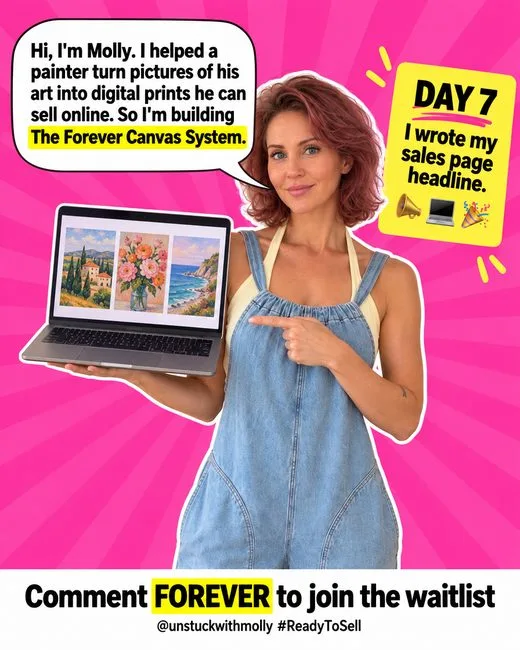
Every day ended with something ready to share: one picture for the feed, Story slides, and the words to go with them.
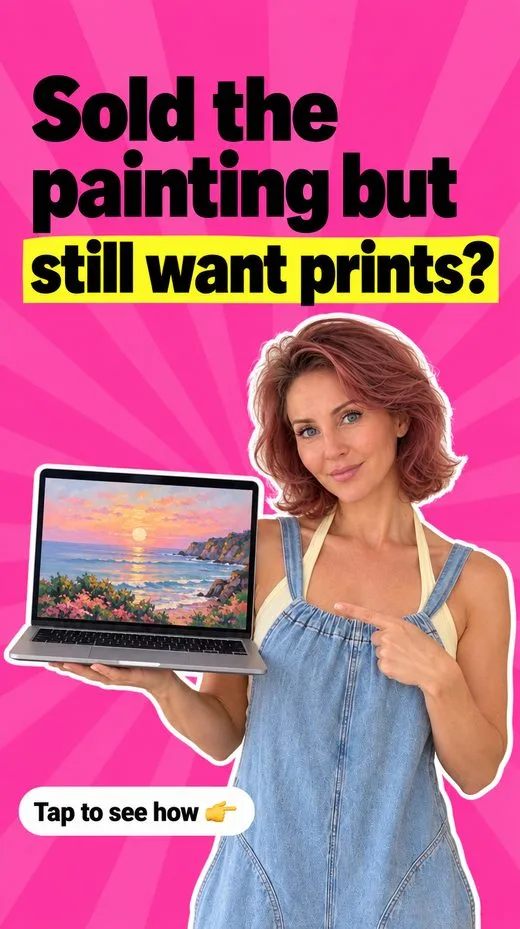
Feed postSold the painting but still want prints? You don't need the original. You need the photo you already have, glare and all. I just finished the guide that turns that photo into a clean, print-ready file for prints, canvas and merch. The painter approves every change, so it still looks like their painting. Day 7 of 14 building The Forever Canvas System. @unstuckwithmolly #ReadyToSell #ReadyToSellDay7 #DraftProgress
StorySold the painting but still want prints? The photo you already have is enough. My guide for turning it into a print-ready file is written. Day 7 of 14. @unstuckwithmolly #ReadyToSell #ReadyToSellDay7 #DraftProgress